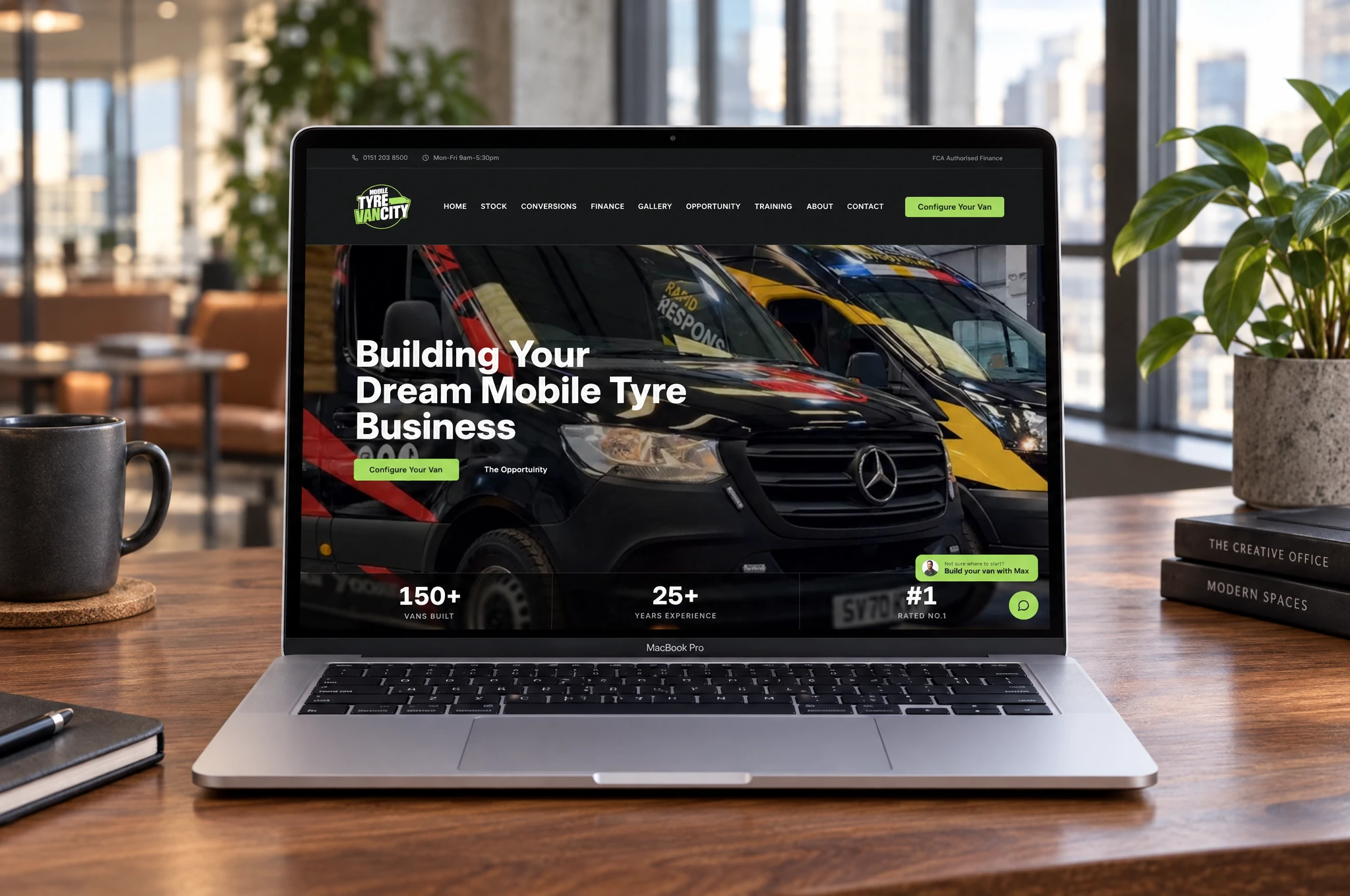
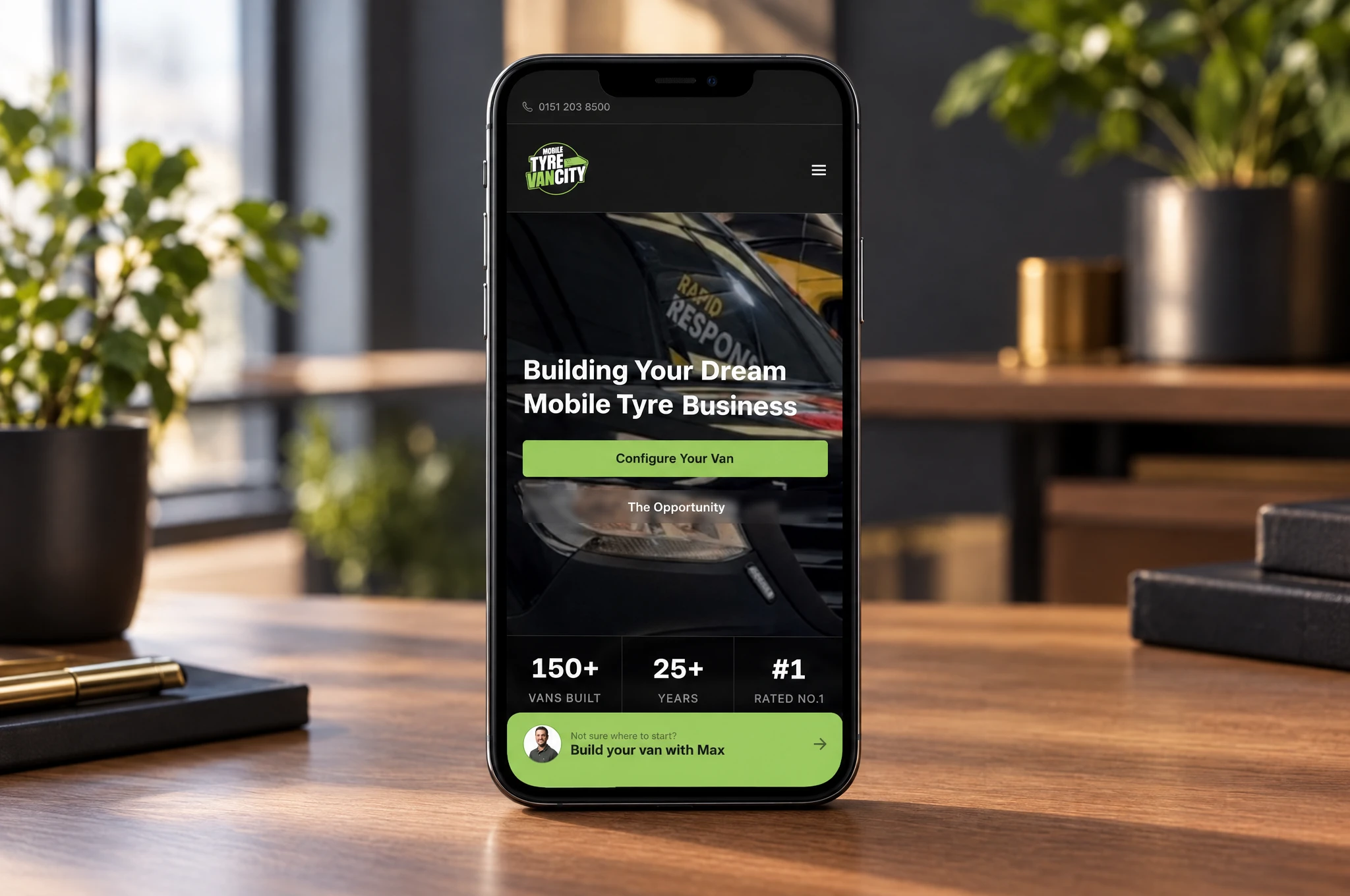
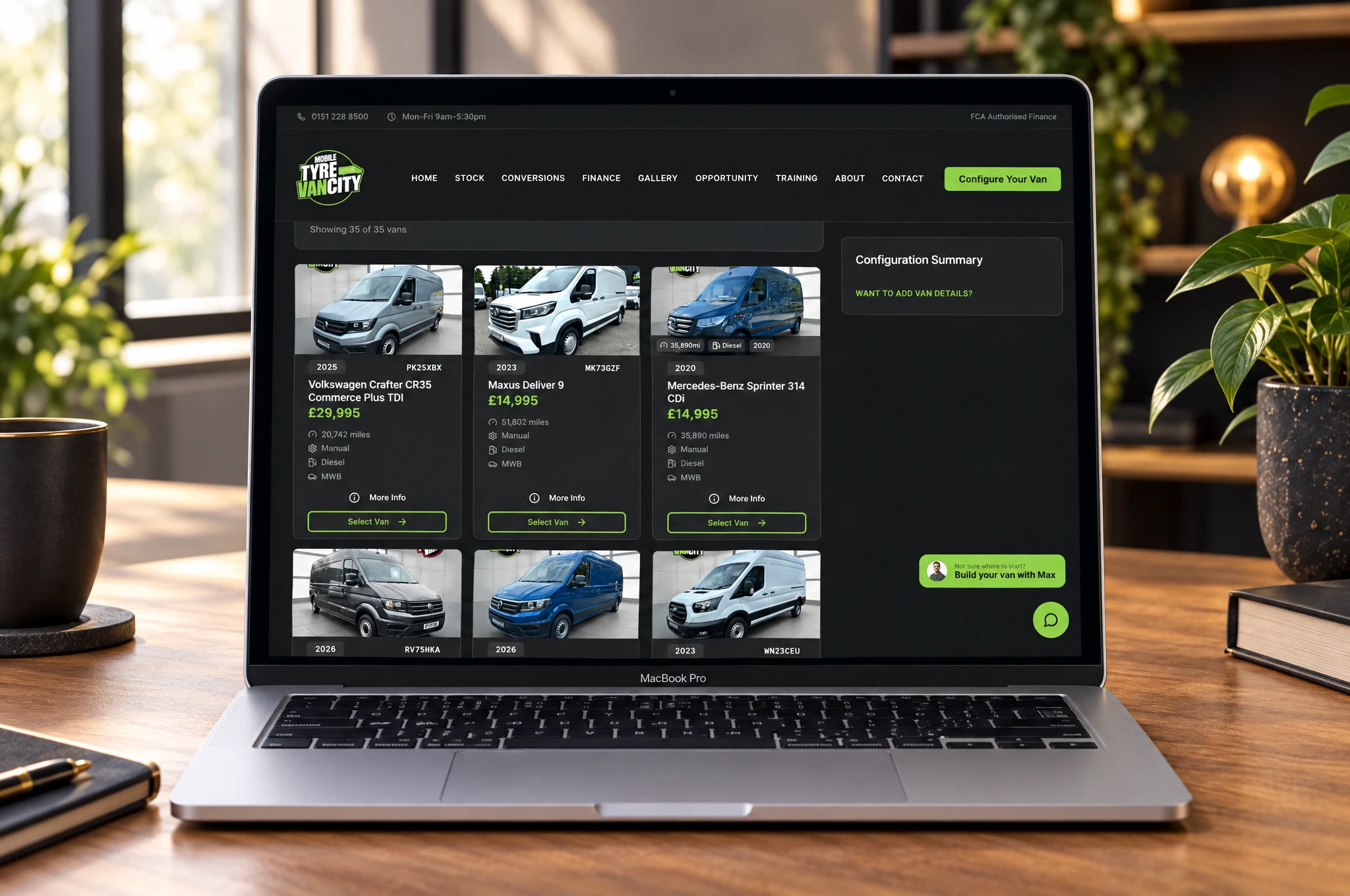
The website brings customers in. The connected platform carries their specification through the office, finance, customer approvals and workshop. Here is what we built to support that journey.
01
A customer journey built around the van
The website gives customers a route from exploring the business to specifying the vehicle and equipment they need.
- Vehicle stock listings, galleries, finance information and training options.
- A configurator covering vans, equipment kits, upgrades and training, with calculated totals.
- Customer quote confirmation and access to their quotes and artwork through a customer portal.
02
Quoting and customer sign-off
Staff can build a specification with the customer, compare alternatives and send it back for a recorded decision.
- Staff configurator with bespoke extras, discounts and quote duplication.
- Side-by-side quotation options with a recorded customer choice.
- Email links for customers to confirm a specification or request corrections; the response is saved against the quote.
03
One customer record for the office
The CRM brings the sales conversation and the operational history together so the team can pick up where the last person left off.
- Customer profiles connect leads, quotes, AI conversations, artwork and activity history.
- Call, email, meeting and general notes, plus scheduled follow-ups assigned to staff.
- Customer-record merging and reassignment history, with staff roles controlling access.
04
Finance without re-entering the whole deal
The configured quote feeds the finance handover, keeping the chosen vehicle and specification attached to the request.
- Send finance submission emails directly from the quote, including vehicle details.
- A finance partner portal for reviewing deals and recording decisions or requests for more information.
- Finance notes, decision timestamps and email notifications back to the office.
05
Artwork approval connected to the customer
Vehicle graphics have their own proof-and-approval journey, with customer feedback kept alongside the job.
- Upload artwork proofs and send customers an approval link.
- Customers approve or request changes and exchange messages with staff.
- WrapGen proof links and approval updates connect artwork decisions back to the quote.
06
The workshop knows what happens next
A digital pipeline board gives the workshop a shared view of jobs, due dates and build progress. Fitters can record completed stages against the actual specification.
- Workshop wallboard with job status and target completion dates.
- QR-linked build sheets and printable PDFs put the build details within reach.
- Build stages reflect the selected equipment and upgrades, with completion recorded against fitter initials.
- Progress covers preparation, equipment installation, artwork, final checks and valet.
07
Stock and connected operations
Equipment and parts are managed alongside the build, with integration points for the systems around the business.
- SKU stock levels, low-stock thresholds and a history of stock deductions.
- Bill-of-materials synchronisation tools and build dispatch to AutoTradeOS.
- Sage invoice integration and records of system handovers.
08
Enquiries, content and reporting
The platform also gives the team tools to manage how customers discover the business and what happens after they make contact.
- An AI enquiry assistant with saved conversations and contact follow-up controls.
- Website and enquiry analytics alongside AI conversation reporting.
- Admin tools for vehicle stock, kits, upgrades, finance plans, training, galleries, blog content and testimonials.
- SEO foundations including public page metadata, crawl controls and a sitemap.